ZTE Axon 7 Gets Nougat 7.1.1 Update

Chinese manufacture ZTE has started rolling out the Android Nougat 7.1.1 update to the Axon 7.  This is a big deal as it makes the Axon 7 one of the first non-Google devices to get the 7.1.1 update.  That, of course means that things like App Shortcuts along with overall improved stability is coming to the phone.  ZTE rolled out the Nougat 7.0 update earlier this year so having the 7.1.1 update follow up right behind it is a bit of a surprise.

The update comes with the February Android Security Update which brings pretty close to where Google phones are with the March update.  It also brings the new emoji that come in 7.1.1 and optimizations throughout the device.  The Axon 7 is also one of the few non-Google phones optimized with Daydream for VR and this update brings further optimizations to that element of the
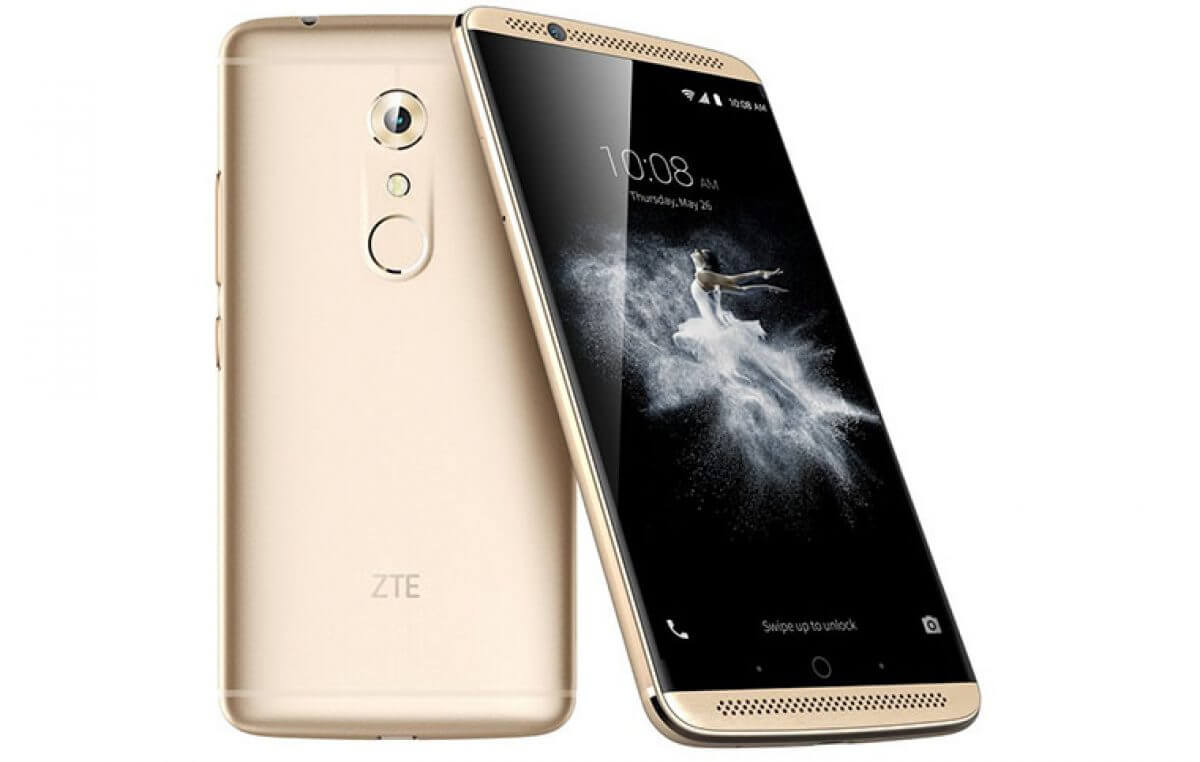
ZTE Axon 7

ZTE Axon 7

phone.

If you have a ZTE Axon 7, the upgrade to this build is pretty small at under 200MB.  Once you have it downloaded, the update will take about 20 minutes to install and will require a reboot of your phone.

 

Google Home Update Brings Dedicated Listen Tab

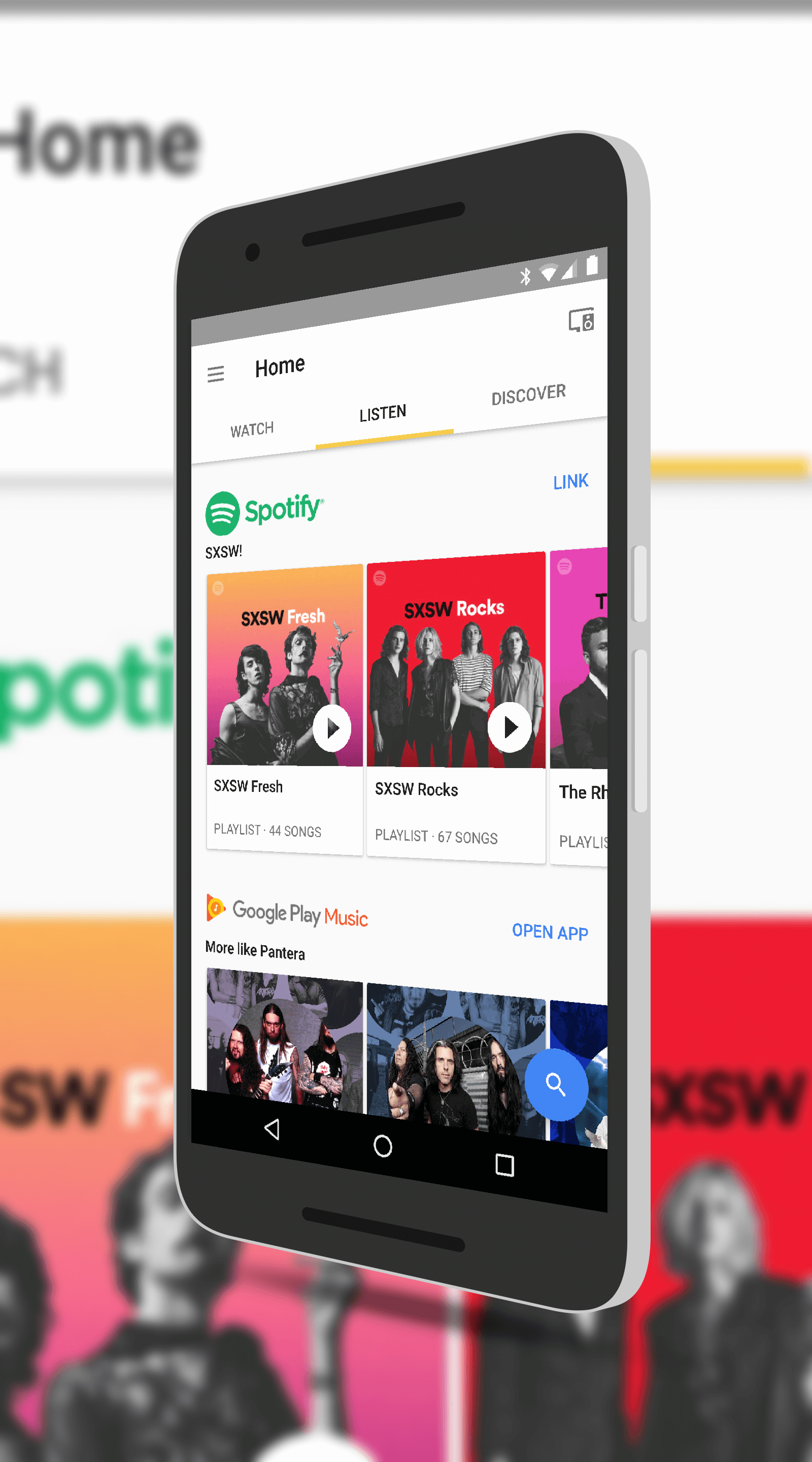
Google Home for Android has been updated with a new Listen tab that makes it easier to find curated music streams across a wide range of services.  The app itself was updated last week but the new Listen tab has now been enabled on the back end.  If you don’t see it yet, don’t fret.  It will be there over the course of the next few days.  Once you have it, you will be able to see music streams from the likes of Spotify and Google Play Music that you can listen to at any time.  You will also get recommendation for apps that can be used by Google Home for music streaming.

The new Listen tab also gives you recommendations of artists and music streams based on your listening habits.  This is a great way to discover new music but also rediscover an old favorite from the past.

Listen Tab in Google Home

Listen Tab in Google Home

Google’s drive is to make it easier to find streaming music.  With so many options, having the ability to scan a single tab in the Home app makes things easier and faster for you.  If you have accounts with Spotify and Google Play Music, you will be able to open those apps from within the Home app to get to the music stream easily but you can also play them from within the Home app too.


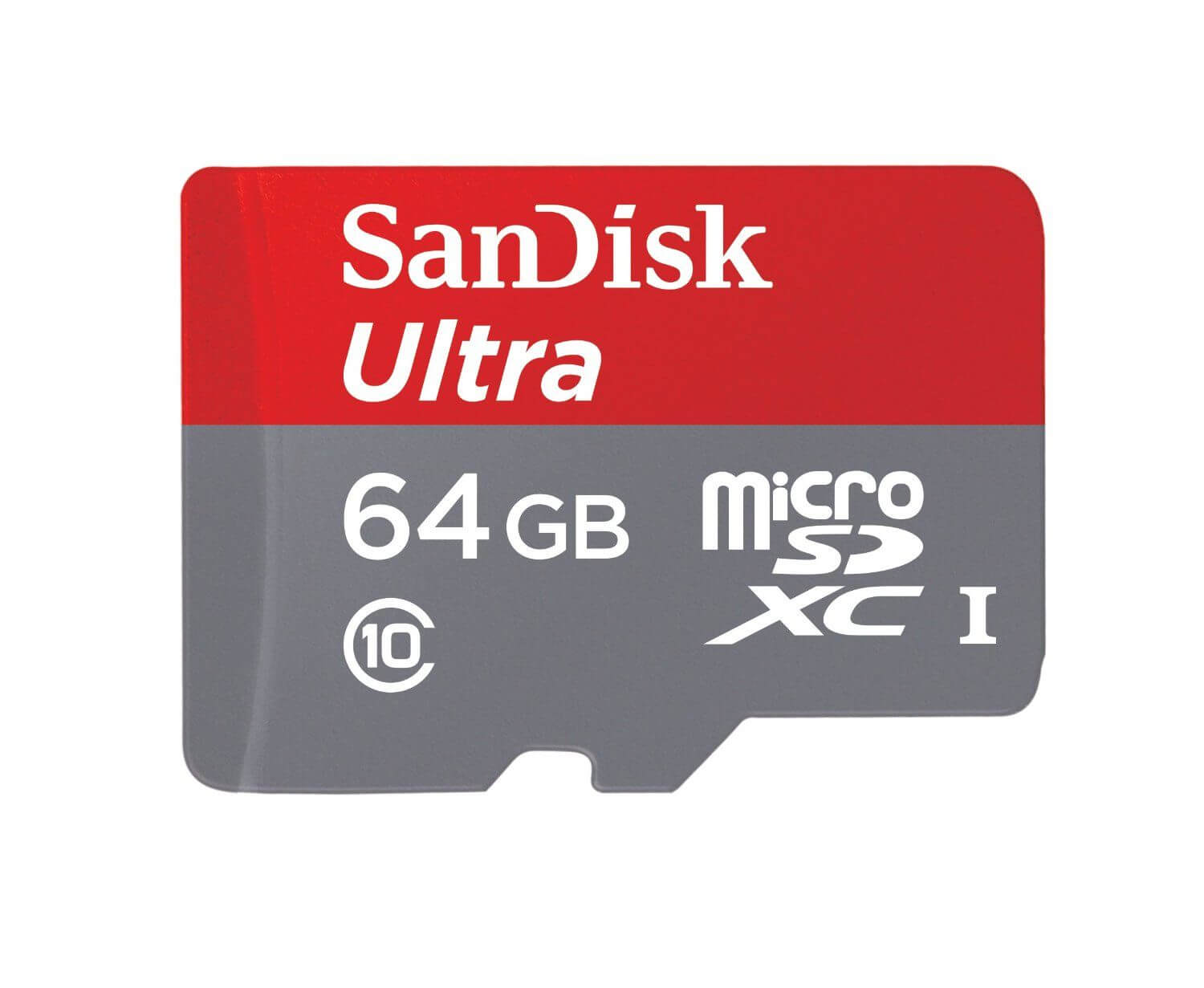
Today’s Deal – SanDisk Ultra MicroSD Cards Starting at $12

Today’s Deal is on a wide range of SanDisk Ultra Class 10 MicroSD storage cards.  These high speed and highly reliable cards are great from Android devices as well as other devices (like Go Pro’s) for your storage needs.  Today there are a several that are on sale at Amazon starting at 32GB and going all the way up to 256GB of storage.

All of these cards are waterproof, shockproof, and magnet proof so they are going to stand the test of time.

As always, make sure you check your phone or other device for the maximum capacity it can read before you purchase one of these SanDisk cards.  Most mid-market and flagship devices can handle

SanDisk 64GB MicroSD Card

SanDisk 64GB MicroSD Card

128GB or even 256GB but lower costs devices may only be able to handle a 32Gb or 64GB card.  Just check your device’s specs before you order.  If you over order on size, the card will likely still work but you won’t get the full capacity – thus you paid too much!

The sale on these SanDisk cards is throughout the day and all of them are eligible for Amazon Prime free 2-day shipping.

Send Money to Friends and Family via Gmail

Google has rolled out the ability to send friends and family funds via Gmail on your Android phone.  The update requires the latest version of Gmail (which rolled out last week) but the ability is a back-end change that Google has enabled.  The ability to send funds is something that has been on the Gmail web portal for a while now and having it added to the Android version just makes it that much easier to use.

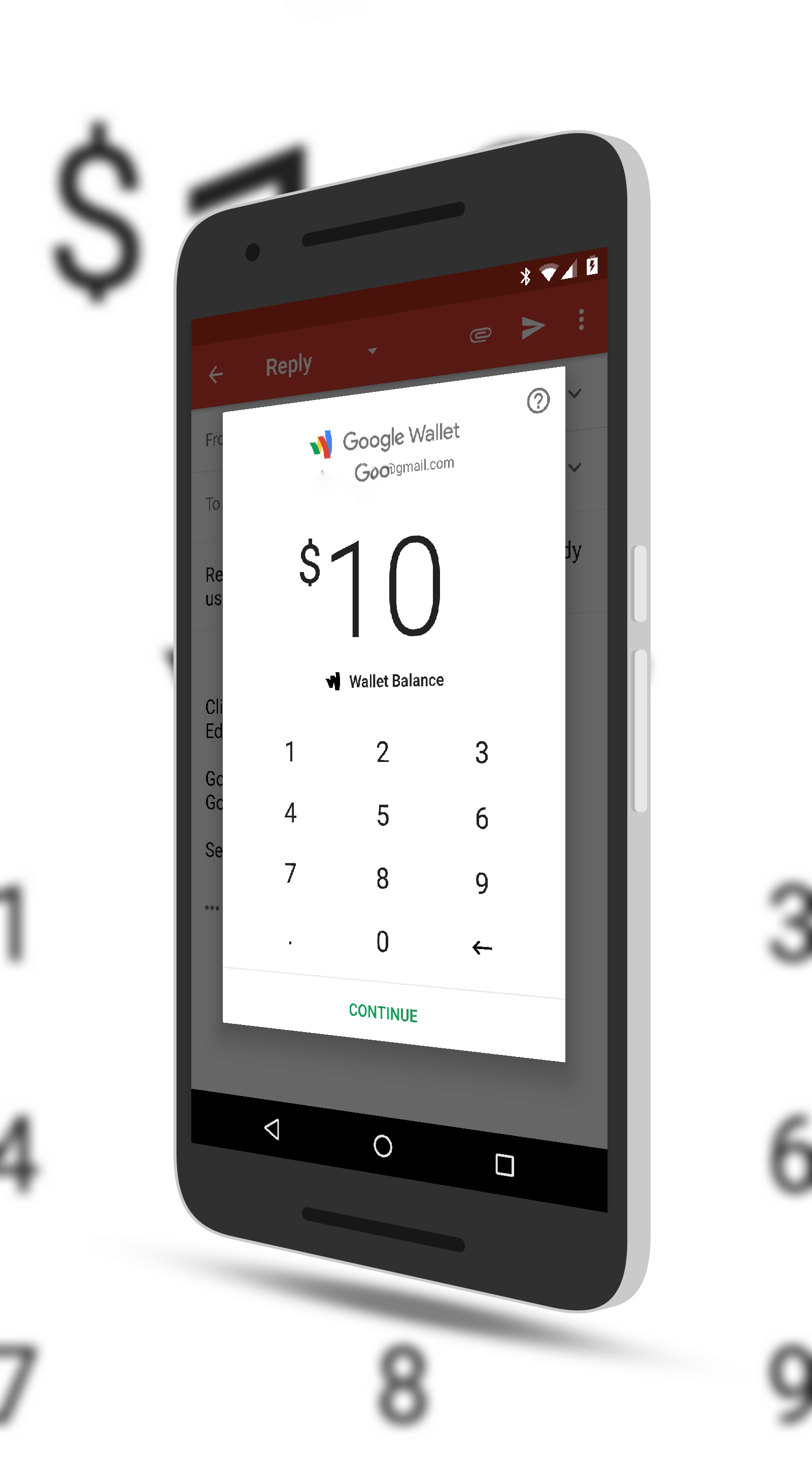
How it works is pretty straightforward.  When you are composing an email to another Gmail user, tapping the attachment icon (the paperclip icon) will give you the option to send money.  This will pop-up a page that allows you to type in the amount of money which can then be sent from your Google Wallet to the recipient.  On their end, they simply accept the transfer in the email sent to them and they can have it added to their Google

Send Money in Gmail

Send Money in Gmail

Wallet or transferred to their bank account if they have it configured.

There are some catches to this as you may have figured out.  First, it only works to other Gmail recipients.  You can’t, for example, send mail to a friend on Exchange or Outlook.com.  Second, this update is tied to your Google Wallet so you will need to fund that wallet in some way.  This is usually just tying your Wallet to a credit card.  Finally, this update is for Android only.  iOS users don’t have this functionality yet.


Chrome 57 Brings Improvements in Background Tab Power Consumption

Google has announced that the latest version of Chrome for Windows, Mac and Linux has a new CPU consumption throttle that will limit the power consumption of background tabs in the browser.  This new throttling policy should shows improvements to users in the form of prolonged battery life, something that Chrome and other browsers are known to impact.

The update is a change from the current timer model that is used in Chrome today.  That timer limits the refreshing of background tabs to once per second.  In this new timer, it is based on CPU consumption.  Build 57 will delay timers to the limit average of CPU load of 1% of a core.  So think of it as an augmented and improved timer model over the once-per-second timer used today.

Google Chrome for Windows

Google Chrome for Windows

It should be noted that tabs playing audio or real-time connections (like WebRTC) won’t be impacted.

So what does this really mean for end users?  It should result in improved battery life.  With fewer timer updates happening in the background, you should see battery life improvement.  How much is going to be dependent on how many background tabs you have open at any given time.  Even with these improvements, it is recommended that you keep tabs to a minimum as you work throughout the day, especially if you are running your laptop on battery power.

Eventually the Chrome team wants to get tabs fully suspended in the background and leverage new APIs to bring them back to life when you need them.  That’s still a bit away but is the end goal for the team.


%d bloggers like this: