Category: Google

Google Docs, Sheets and Slides Now Have Push Notifications

Following up on notifications coming to Google Drive, Google has announced that their productivity apps, Google Docs, Sheets and Slides, all have the ability to send you and you can control push notifications from the apps.  The update to the three Android apps will be rolling out to the Google Play Store and should come to your devices over the course of the next three days.  While push notifications themselves are not necessarily new to the productivity apps, how you control them is in this update.  Previously, if you did not want push notifications from Google Drive, Sheets or Slides, you could only deactivate that feature from Google Drive.  That is now no longer the case.

Google Forms Updated With More Granular Details

The Google Forms team announced today several enhancements to the online service.  If you aren’t familiar with Forms, it is a great free tool that allows you to create anything from a formal survey, a party invite RSVP list or even a feedback form.  It is a great tool that has a huge number of templates already pre-built for you to use.  You can check it out at http://forms.google.com.  That said, the team announced today that in addition to getting the overall responses to a form (which you have always been to do), you can now see individual responses from those who have replied.

Google Killing Flash Support for Ads in 2017

The demise of Adobe Flash continues and the Google AdWords network is the latest to fire a shot at the long time platform.  In a post on their Google+ profile, the AdWords team announced that starting January 2, 2017, Flash based adverts will no longer be displayed as the service and Google in general pushes to be 100% HTML5.  The change will impact advertisers on the Google Display Network and DoubleClick Digital Marketing.

The change comes as Google has been pushing to become 100% HTML5 focused so their advertising networks can reach the widest possible audience regardless of device or platform.  Given that the world is seemingly moving away from Flash, the news isn’t a real big shocker but certainly is good news for those who use those networks (ClintonFitch.com is one of them).

Gmail Notification Fix for Marshmallow Rolling Out

Since the update to Android Marshmallow on Nexus devices, a number of Gmail users have had issues with notifications.  Some users don’t get notifications while others get them sporadically.  I posted a way to get around this a few weeks ago but even that isn’t 100%.  Google has been working on the issue for some time and it looks like relief is in sight.  In the Nexus Product Forums, Googler Orrin (the community manager) has posted that a fix for the issue is rolling out and should be getting to all users soon.

Nexus 9 is 40% Off Right Now at HTC

If you have been in the market for the HTC built Nexus 9, today is the day to make it happen.  Over at the HTC site, you can pick up Android tablet for 40% off the regular price.  To sweeten the deal even more, HTC is throwing in a free Logitech wireless keyboard.  The pricing makes this pure Android experience tablet a real steal with the 32GB Wi-Fi model down to just $287.40.  There is no coupon code required to get the price.  Just go to the HTC site, add the tablet to your cart and the price will be adjusted.

Google+ Web Version Now Shows When New Updates Are Available

I’m a big fan of Google+ and in fact it is where you will find me most of the time these days over Facebook or Twitter.  I’ve posted on the service several times in the past few weeks as it continues to improve and becomes more community centric.  It seems nearly on a weekly basis that improvements are made to the website and every few weeks to the Android app for it that improve the experience or performance of them.  Today there is a new little update out on the website that may not seem like a big deal but as a user, it is a nice improvement.

Google Offering 2GB of Free Drive Storage For Completing A Security Checkup

In an effort to continue to have users keep their accounts safe and secure, Google is offering anyone who goes through a security checkup 2GB of free Google Drive storage.  The offer is in conjunction with the Safer Internet Initiative which officially is tomorrow.  However, you can take the check up now and get the free Drive storage today.  It is a painless process really and should only take a few minutes to complete.  Once it is done, Google will add the extra storage to your account which will be to your Drive account immediately.

Snapseed Update Brings Some Nice Improvements

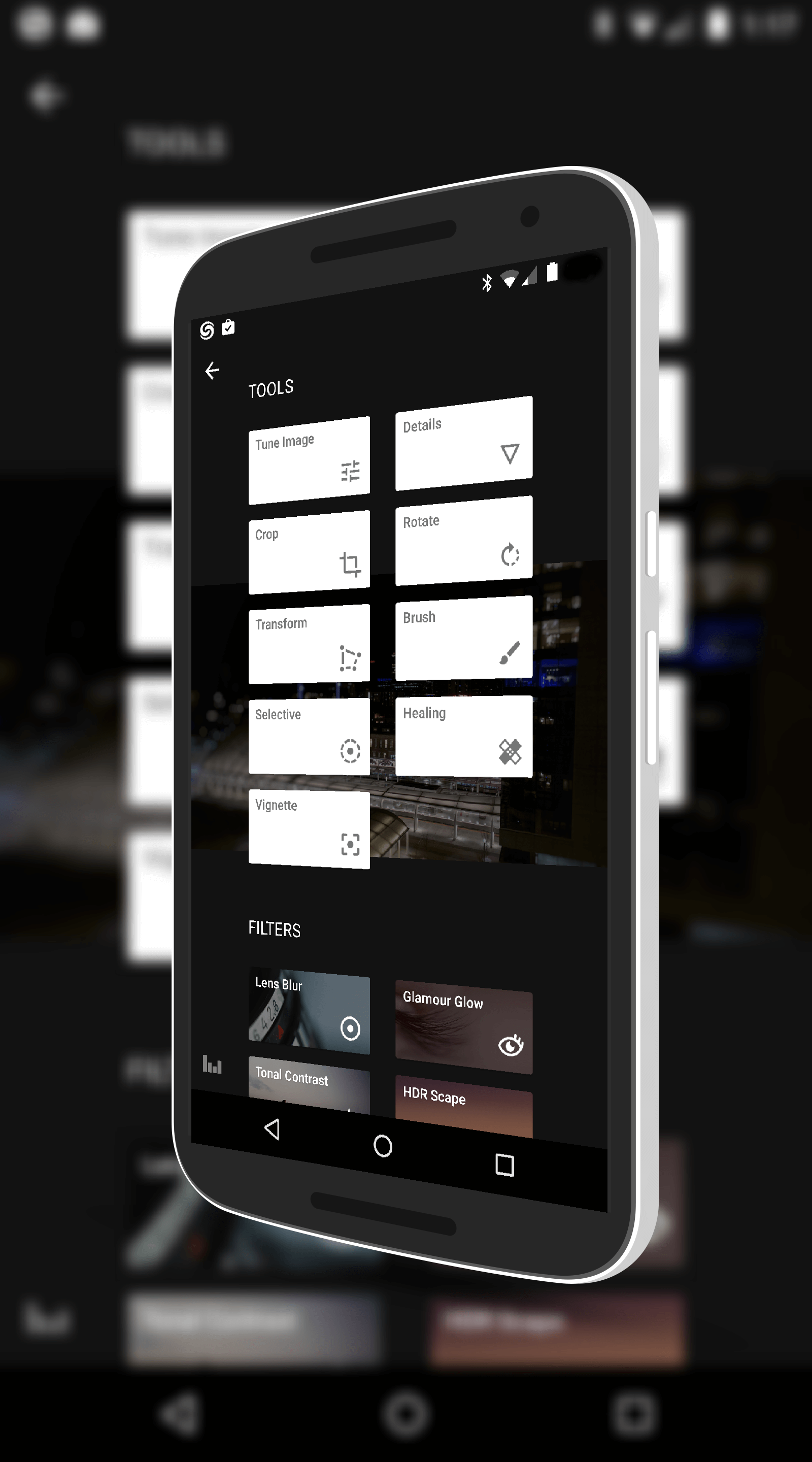
Raise your hand if you remember Snapseed?  Raise your hand if you knew it was owned by Google? My best is many of you didn’t raise your hand on either question because of all the Google owned apps, this one is one of the quiet ones.  That said, a little noise was made today.  Snapseed has been updated to version 2.3 for those keeping score at home and with it has come some pretty nice improvements to arguably one of the best photo editing apps available for the platform.

The update is rolling out to the Google Play Store now and with it comes several improvements and updates that users will appreciate.  First, from filters perspective the Lens Blur filter has been update to recognize faces and automatically apply the blur around them.  Before the process was a manual move to the person’s face and you can of course still do that, but this addition will make things a bit quicker for you.  In my testing for this review, it worked really well and in fact even recognized my cat’s face in a photo. 🙂

The other big filter change is a new one:  Automatic Straighten.  As the name suggest, this filter will automatically level a photo with the horizon of the photo to give you a level photo.  Depending on how much askew your photo is, you could see a little bit of cropping to make the photo level so play around with it to see how it works for some of

Filters in Snapseed

Filters in Snapseed

your photos.

Along with theses changes, Snapseed has now been enabled to be installed on an SD card.  Many apps now have this ability which can save you storage space on your device.  That’s pretty handy if you have a 16GB or smaller device without having to pick-and-choose which apps you have installed at any given time.

There are a few other minor tweaks like improved filter help information in the app but these are the big ones of note and it certainly adds to an already impressive photo editing app.  If you haven’t tried the app, it is free and it is really powerful for what it can do.  Give it a go.

Snapseed for Android – Free – Download Now

%d bloggers like this: