Snapseed Update Brings Some Nice Improvements

Raise your hand if you remember Snapseed?  Raise your hand if you knew it was owned by Google? My best is many of you didn’t raise your hand on either question because of all the Google owned apps, this one is one of the quiet ones.  That said, a little noise was made today.  Snapseed has been updated to version 2.3 for those keeping score at home and with it has come some pretty nice improvements to arguably one of the best photo editing apps available for the platform.

The update is rolling out to the Google Play Store now and with it comes several improvements and updates that users will appreciate.  First, from filters perspective the Lens Blur filter has been update to recognize faces and automatically apply the blur around them.  Before the process was a manual move to the person’s face and you can of course still do that, but this addition will make things a bit quicker for you.  In my testing for this review, it worked really well and in fact even recognized my cat’s face in a photo. 🙂

The other big filter change is a new one:  Automatic Straighten.  As the name suggest, this filter will automatically level a photo with the horizon of the photo to give you a level photo.  Depending on how much askew your photo is, you could see a little bit of cropping to make the photo level so play around with it to see how it works for some of
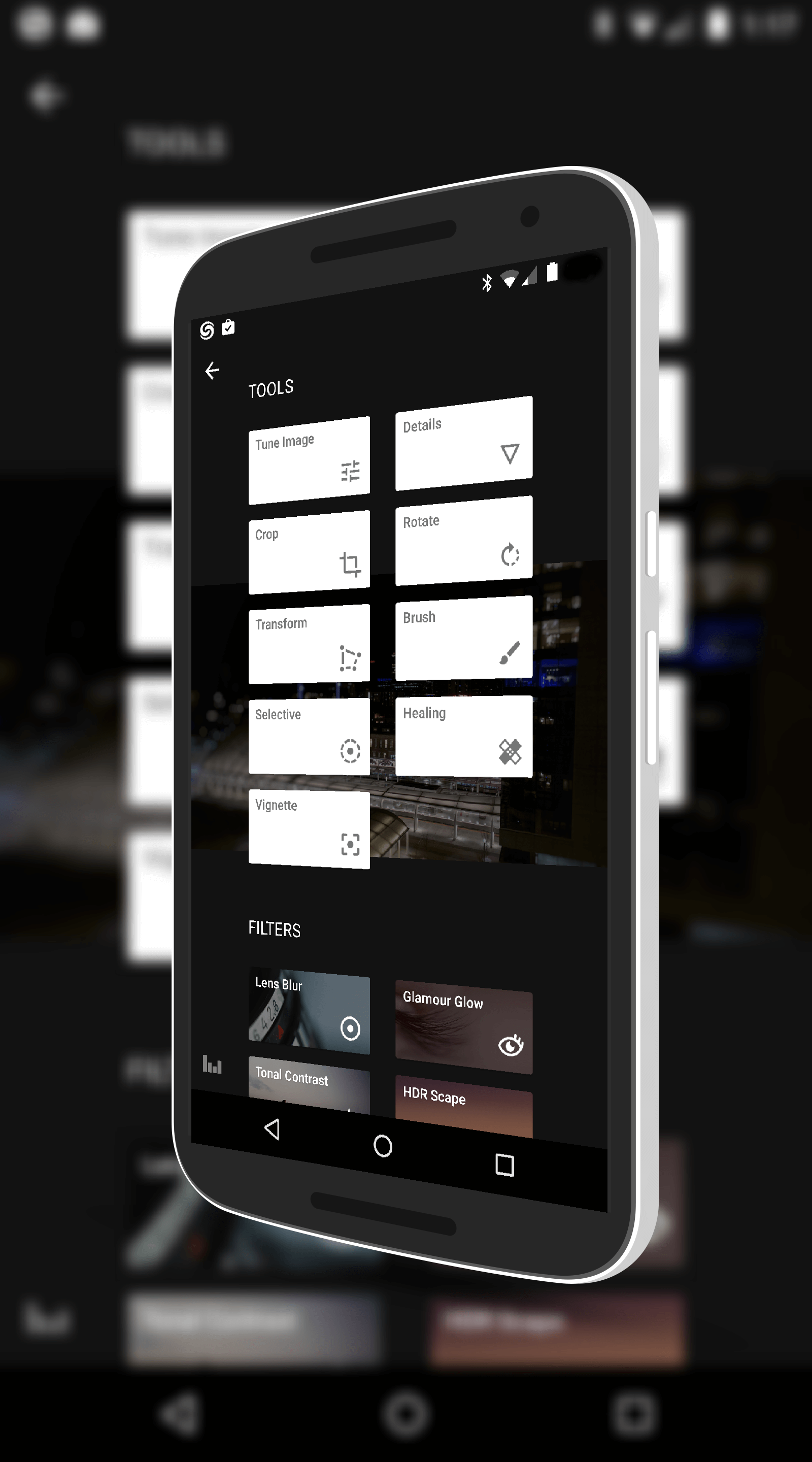
Filters in Snapseed

Filters in Snapseed

your photos.

Along with theses changes, Snapseed has now been enabled to be installed on an SD card.  Many apps now have this ability which can save you storage space on your device.  That’s pretty handy if you have a 16GB or smaller device without having to pick-and-choose which apps you have installed at any given time.

There are a few other minor tweaks like improved filter help information in the app but these are the big ones of note and it certainly adds to an already impressive photo editing app.  If you haven’t tried the app, it is free and it is really powerful for what it can do.  Give it a go.
Snapseed for Android – Free – Download Now

Apple Music App Update Brings SD Card Support

Apple Music, the subscription music service from Apple, has been updated for Android devices that brings support for SD cards.  The update is in the Google Play Store now and it is version 0.9.5 for those keeping score at home.  With the recognition of SD cards, users can now associate it with the app and download music to it for offline listening.  Previously you could only download music to your device memory which for many was a severely limiting factor.


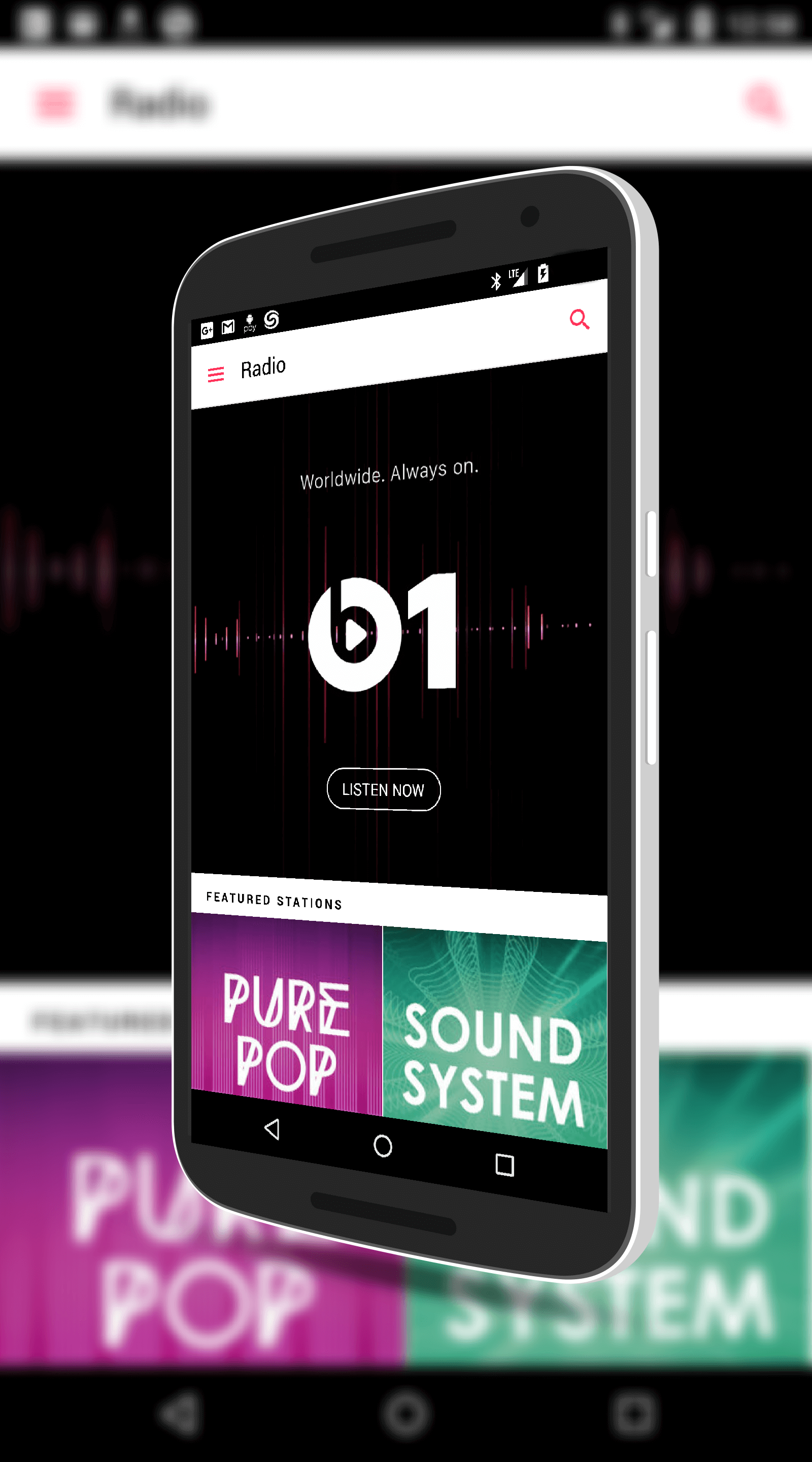
Along with the support for SD cards, the update also brings the ability to search the Beats 1 schedule for shows that you want to listen to while on the go.  Beats 1, for those who don’t know, is a 24/7 radio station based in Los Angeles,

Apple Music for Android

Apple Music for Android

New York and London that provides a wide range of programs for listening. This new update also brings improved searching functionality to the app.  Now you can search more easily by composer and compilations to find your favorite artist or type of music.

While the app is still very much in the early stages, Apple continues to tweak and improve it, offering a music alternative to the likes of Google Play Music and Spotify for Android users.  Users can also try the service for 3 months and then it is $9.99 per month, the same price as other services.  For those of you who have migrated from iPhone to Android but still have a big iTunes collection, Apple Music is a good way to keep those songs and play them on your new device.

Apple Music for Android – Free – Download Now

Google Play Movies & TV Improves Wishlists

The Google Play Movies & TV app has been updated today and while on the whole it is a minor update, there is a nice improvement to the Wishlist feature that comes in this build.  The update is build 3.11.5 for those keeping score at home and it is in the Google Play Store now.  If you already have the app installed, you should see the OTA update in the next day or two at the latest.

From a bug fix perspective, Google has improved the playback reliabilty of the app so you should see some improvements as you play back on your devices.  In testing for this post, the pause/start function while watching a movie or television show is much smoother than before and starts up quicker.

But as I said, the big news is Wishlists.  More on that after the break.

Google Play Movies & TV for Android – Free – Download Now

Major Update Comes to Bing for Android

If you like the Bing search service, today is a good day for you.  Microsoft has released a major update to their Android app for the service and it is all-but a new app.  With a new User Interface, dramatically improved local search functionality and improved categories, the new Bing app is going to impress.

The first and most noticeable in the app is the UI.  Bing now has a much cleaner experience with the popular Bing wallpaper in the background that changes daily, then large buttons for things like Search (in the middle of the UI), News, Movies, Restaurants and others along the bottom.  It is very easy to navigate to something you are interested in searching within the app and once you tap a section, you get an immersive experience into that section.

Bing for Android – Free – Download Now

Google Play Newsstand Update Brings Notifications

Google has released an update to their news and magazine app, Google Play Newsstand, that has enabled notifications from the app.  The update is version 3.5 for those keeping score at home and it is available now in the Play Store.  The app, which is also the app where you read any magazine subscriptions you have through the Play Store, has slowly been evolving over the past year and it looks like it might finally be poised to replace the Google News & Weather app – or it is getting there at least.

When you install the update you will have the option to enable notifications on the first run (you can always go back and enable or disable them in Settings).  Once enabled, you will see notifications for those items you have set up. These can be News alerts from major news events or form those you have setup in the app, magazine issue updates and Deals and Offers.

If you use Google Play Newsstand for magazines, you know that you have been able to get new magazine issues notifications for a couple of months now.  This update just expands it out to include news information.

Google Play Newsstand – Free – Download Now

%d bloggers like this: