Microsoft Officially Brings Tablet Support in Arrow Launcher

Last month I told you about the latest beta of Microsoft’s Arrow Launcher bringing support for Android tablets.  That support is now official.  The latest update to the popular launcher is rolling out in the Play Store now and with it comes support for tablets along with a handful of other updates & tweaks.  The support of tablets is something that long time Arrow users have requested of Microsoft as it gives a uniform experience across their devices.

Along with with, Arrow Launcher also supports horizontal layout for your apps page from the app drawer.  This is primarily aimed at tablets and it is an option that needs to be enabled.  The backup & restore feature also has more backup options available.  It still backs everything up to OneDrive but you can now have it save things like SMS messages too.

Microsoft Arrow Launcher on a Nexus 9

Microsoft Arrow Launcher on a Nexus 9

The utility page, something that was introduced in the last update to the app, can also be configured in this new release.  You can show it or hide it as well as chose if you want the card to be transparent or white.  For those who may have tried Arrow Launcher in the past, the utility page is now where you find things like your recent contacts, your recent documents and other information.  These all use to be separate pages in the launcher so having them all in once place makes life a bit easier.

If you have Arrow Launcher installed on your phone, you should get the update to the latest build over the course of the next few days.  Unless you are in the beta, you will need to go to the Play Store to install it on your tablet.
Today’s Deal – Anker PowerCore Slim 5000 Battery Pack for $19

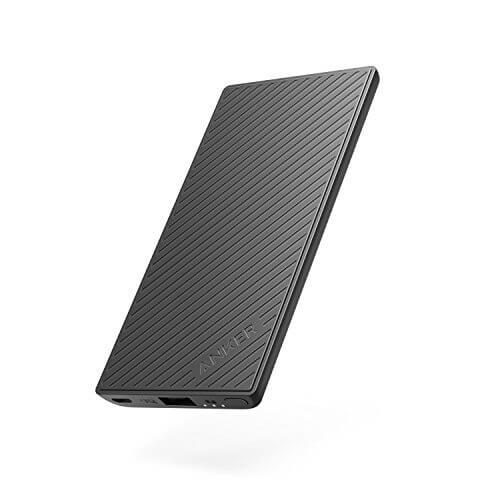
Today’s Deal is on another great accessory from Anker.  The PowerCore Slim 5000 is a 5000mAh battery pack that, as the name suggests, is a slim design that is actually smaller than most phones.  Right now this battery pack is down to $19 on Amazon, 62% off the regular price of $31.  The pack has one USB port to connect your Android phone or iPhone to for charging and is rated to give a full charge to a Samsung Galaxy and iPhone 7 Plus one full charge while smaller devices such as the Nexus 5X or iPhone 7 could get two charges out of it.  The pack comes with Anker’s PowerIQ

Anker PowerCore Slim 5000

Anker PowerCore Slim 5000

technology to give a smooth, consistent charge to your devices, making it both save and efficient in the charging process.

Anker designed this pack to be held in your hand along with your phone so if you are on the go, you can still hold your phone and work as the pack doesn’t make everything feel big and bulky.  The pack is also coated in silicone so it won’t scratch up your devices and gives it a smooth feel that is easier to grip than aluminum designed packs.  There are LED indicators to let you know when your phone is charging and when you are done, it easily slips into a pocket or handbag.

Like all Anker products, the PowerCore Slim 5000 comes with an 18-month warranty against any defects and issues and, since this deal is through Amazon, you have a 30 day hassle free refund policy (which is now extended through the holidays).

Head over to Amazon to get more details and to order yours.  It is Amazon Prime eligible for members.

Today’s Deal – SanDisk Ultra Fit 64GB USB 3.0 Drive for $18

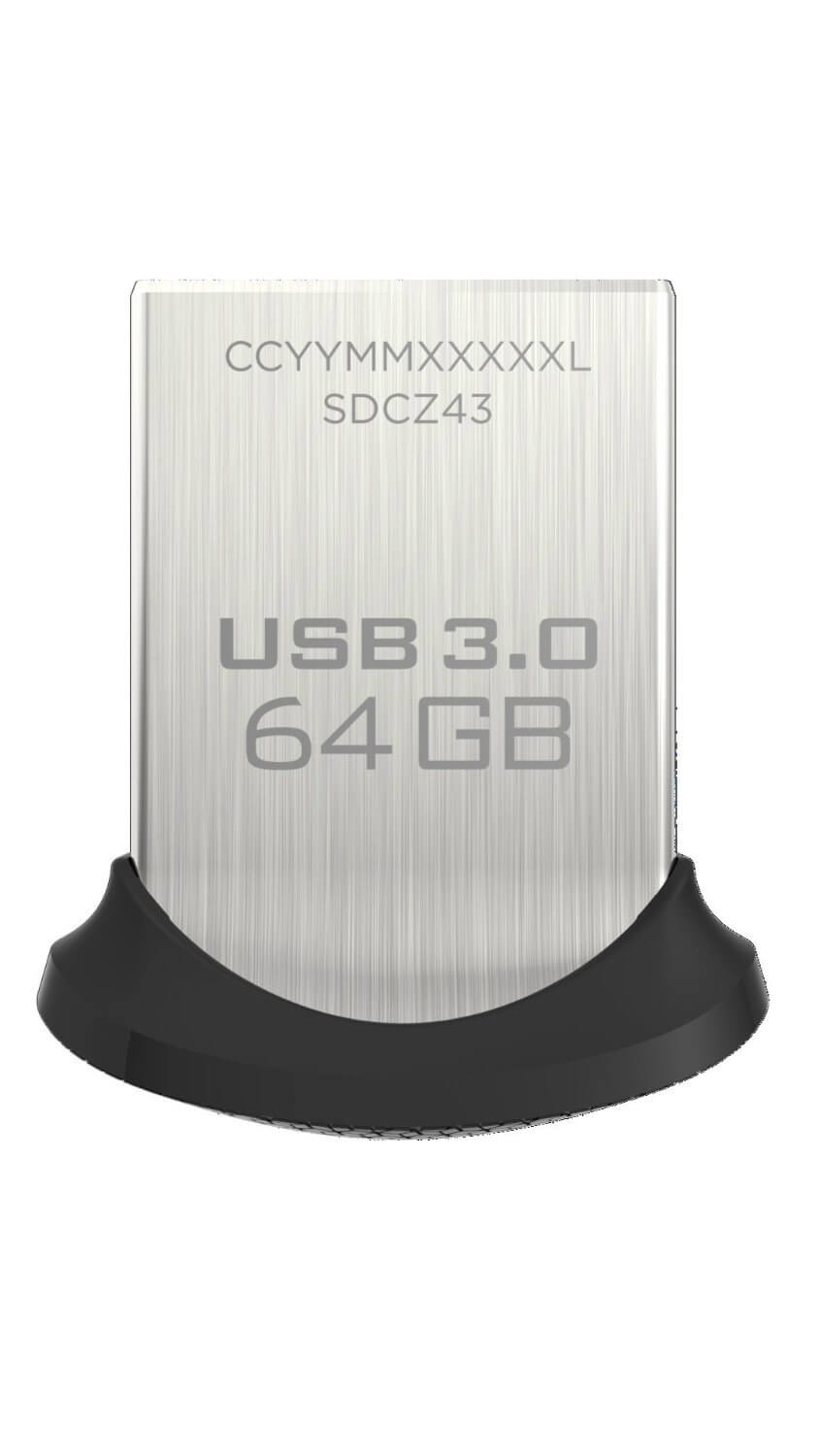
Today’s Deal is on the low profile USB Flash Drives from SanDisk.  Over at Amazon you can pick up the SanDisk Ultra Fit 64GB drive for $18 with other sizes available.  The Ultra Fit series are designed to fit into the USB 3.0 port of your PC, Mac or Chromebook and not protrude like a normal Flash Drive.  Indeed, the idea is that you can leave it in your computer without ever having to take it out when you slip it into a bag or backpack.

The sale is on the 32GB, 64GB and 128GB versions of the Ultra Fit.  All three are have a zippy read speed of 150MB/s so while they are too slow to run apps from, they are perfect for data, photos and videos.  The drives also come with SanDisk’s SecureAccess software to encrypt the drives should they ever be lost or stolen (although you can use MacOS and BitLocker encryption should you choose to do so instead).

I personally use one of these Ultra Fit drives in my Chromebook for additional storage.  They are fast and reliable and because of their size, they do not protrude from the side of my device significantly.  I’ve had one for the past 3 months now and have no problem recommending them to readers who are looking for additional storage for their laptop.

SanDisk Ultra Fit USB 3.0 Flash Drive

SanDisk Ultra Fit USB 3.0 Flash Drive

Regardless of the size of drive you pick up, they are all eligible for Amazon Prime free shipping.

Head on over to Amazon to check out the details on these great drives from SanDisk.

SanDisk Ultra Fit 32GB USB 3.0:$10.75

SanDisk Ultra Fit 64GB USB 3.0: $17.99

SanDisk Ultra Fit 128GB USB 3.0: $31.89

AT&T Just Now Rolling Out The February Android Security Update to Some Devices

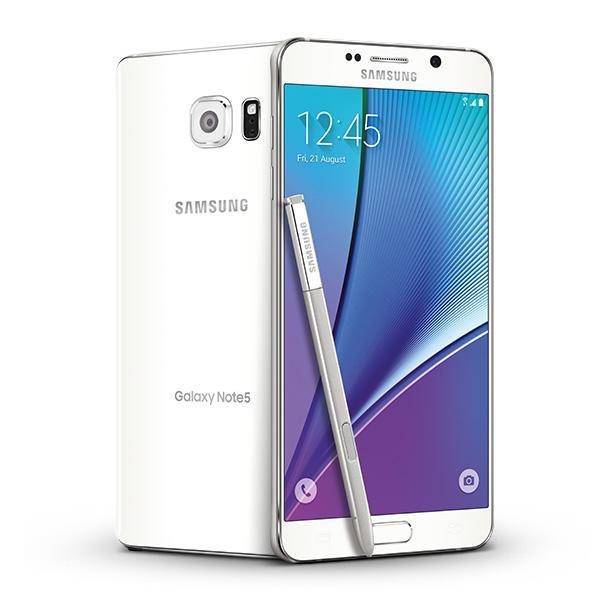
With the March Android Security Update rolling out, February’s update is just now being rolled out by AT&T to some Samsung devices.  The update for the Galaxy Note 4, Note 5 and S5 Active are just now hitting customers. The updates themselves are quite small, under 200MB, and only contain the security update changes & fixes.  To put things into perspective, T-Mobile released the February Android Security Update for the Note 5 on their network on February 1st, the day the patch was released.

The challenge of upgrades and security patches is a well trodden road that we don’t need to visit yet again.  But it speaks volumes of the problem facing the platform when one carrier is releasing a security patch some 5 weeks after it was originally released.

Samsung Galaxy Note 5

Samsung Galaxy Note 5

The update for these devices shouldn’t take long to download given their size.  Once you have the download completed, your will need to reboot your device to apply the update which, all in, should take about 20 minutes to get done.  For reference, the build numbers for the updates are as follows:

  • Galaxy Note 4 – MMB29M.N910AUCS2EPK4
  • Galaxy Note 5 – MMB29K.N920AUCS4CQB2
  • Galaxy S5 Active  – MMB29M.G870AUCS2DPK5

Unless you just absolutely have to do so, I strongly encourage readers to avoid carrier locked devices from any carrier.  Updates tend to be much slower from carriers while unlocked devices from manufactures, as a general rule, will get updates faster.  That doesn’t always hold 100% true but close enough.  Obviously devices from Google like the Pixel and Nexus phones get updates the quickest.

Bing Update Brings Improved Local Travel Results

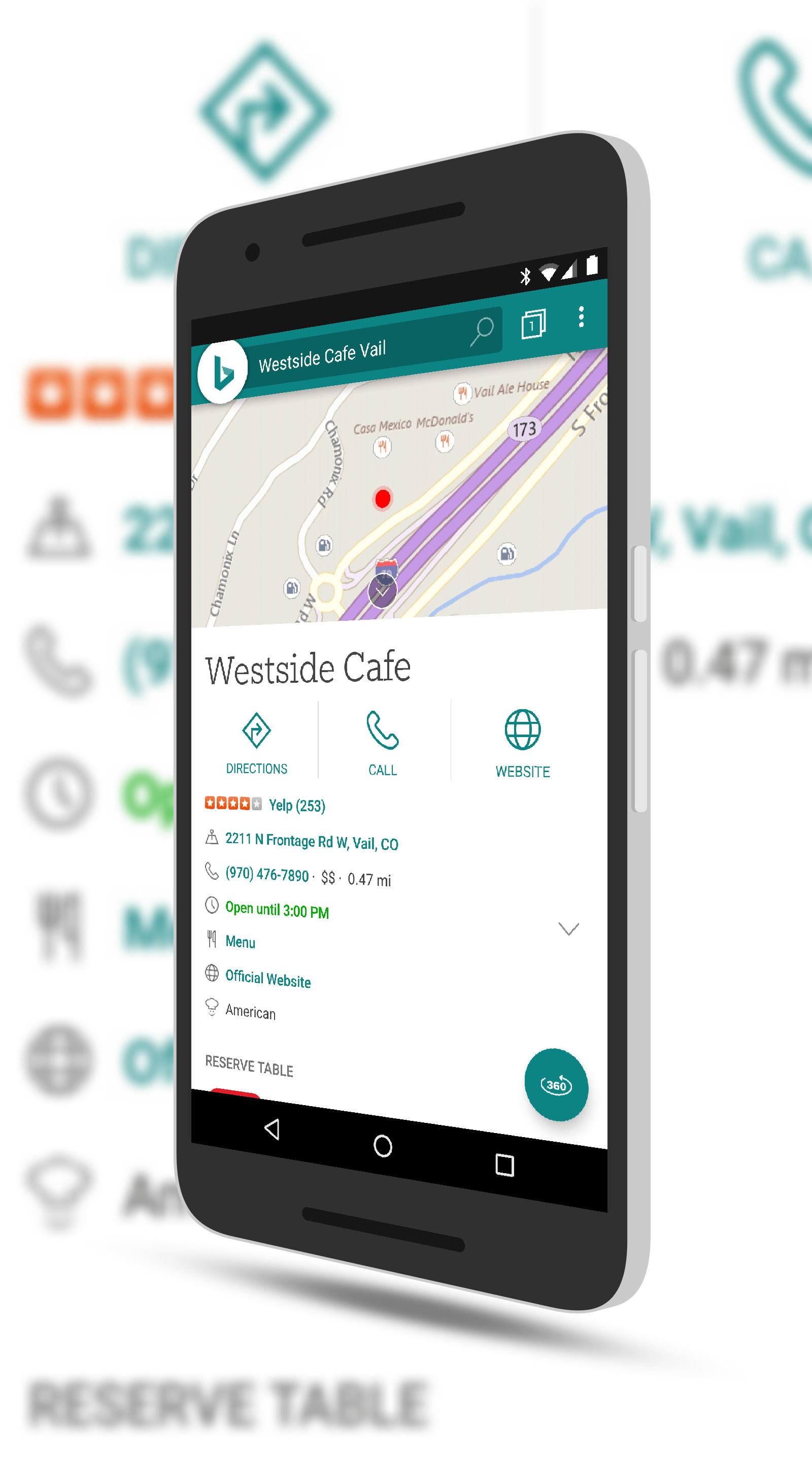
Microsoft has begun rolling out a nice update to their Bing search app for Android.  The update brings improvements around the travel results for places to go and the best time to go to those places.  This is very similar to Google search which has a bar graph that shows you when a location is busiest.  Along with the improved time suggestions, the app also gives you tips and guides and one-tap directions to the location from your current location.

While those of you who use Google search may give a shrug of the shoulders at this being added to Bing but for those who depend on the Microsoft

Bing Local Travel Results

Bing Local Travel Results

search solution, this is certainly good news.  Bing has continued to make solid strides in the search space over the past two years and while it is certainly behind Google in overall usage, those who are deeply tied in to the Microsoft ecosystem continue to leverage it for their search needs.

In addition to the new location information, this update also gives warning about malicious websites and has a homepage gallery filer.  This feature allows you to filter and find your favorite Bing homepage images.  If you haven’t checked out the daily images from the site, you are missing a treat.  Some of them are spectacular.

If you have the app installed then you can expect the update to hit your phone over the course of the next few days.

%d bloggers like this: