The Android team at Google has released the first Developer Preview of Android Nougat and with it comes a host of changes and improvements. The version is indicated as Nougat 7.1.1 with a build number of NFP10C and right now it is only available for the Nexus 5X, Nexus 6P and the Pixel C. As you know, Nougat 7.1.1 will be shipping on the Google Pixel devices so this is very much a catch-up build for the Nexus devices and Pixel C. The good news is that there are a lot of changes and improvements in this build of Nougat. While Nexus devices won’t get the Pixel Launcher – for now at least – the changes that are in 7.1.1 do bring some of the Pixel features to these devices and it is well worth considering joining the beta program so you can get a sneak peak.
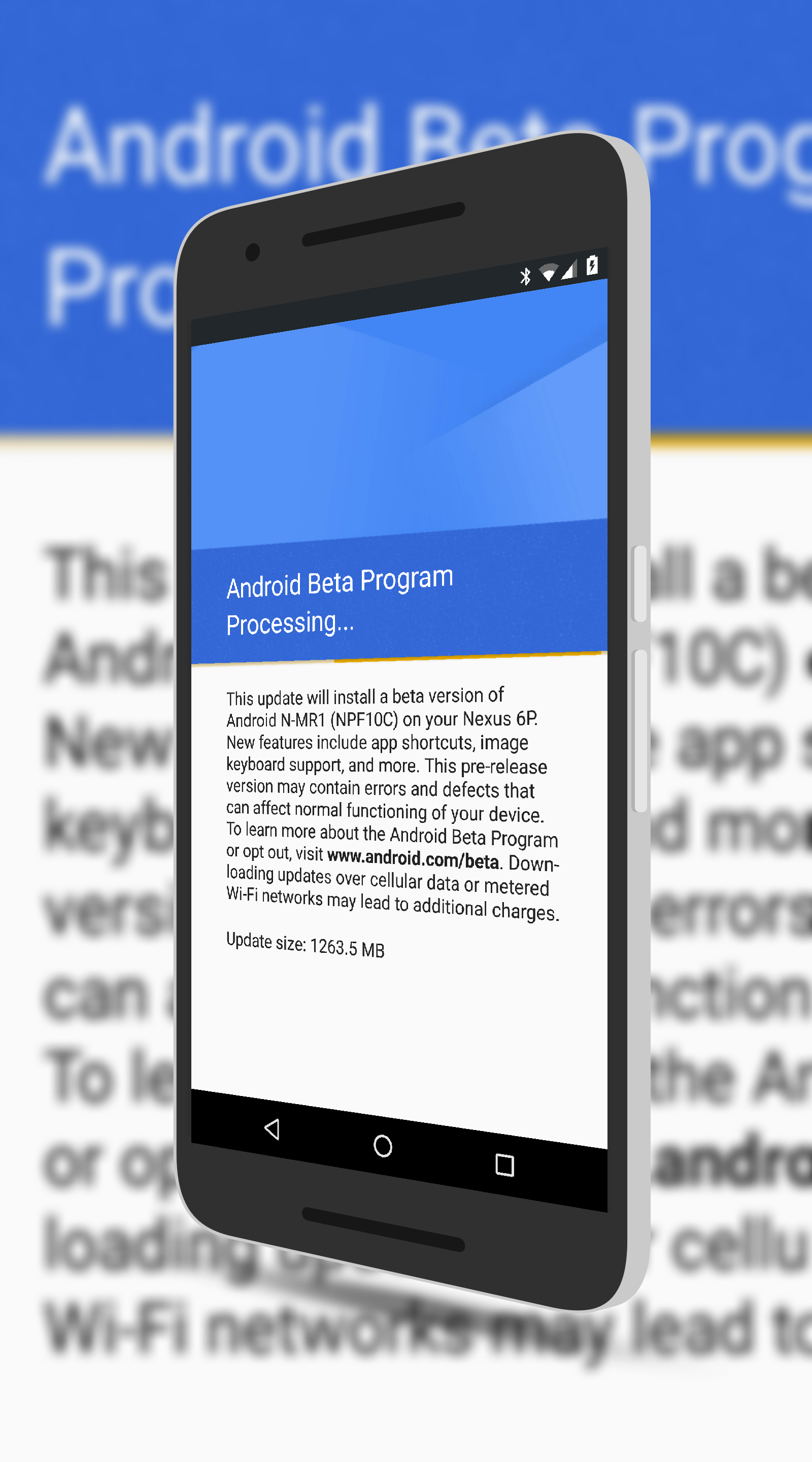 That said, it is beta. That means that you could run into issues with apps or other things with your phone if you do decide to install it. I’m far more comfortable in recommending this install however because it is an evolution of Nougat, not the wholesale version change from Marshmallow to Nougat. I’ve been running it on my Nexus 6P for about 24 hours now and haven’t run into any issues. If you decide to install it, the download is about 1.3GB so you’ll for sure want to make sure you are on Wi-Fi to avoid data usage.
Interestingly, the first thing you will notice about Nougat 7.1.1 after you install it is the new System Update page. It is a more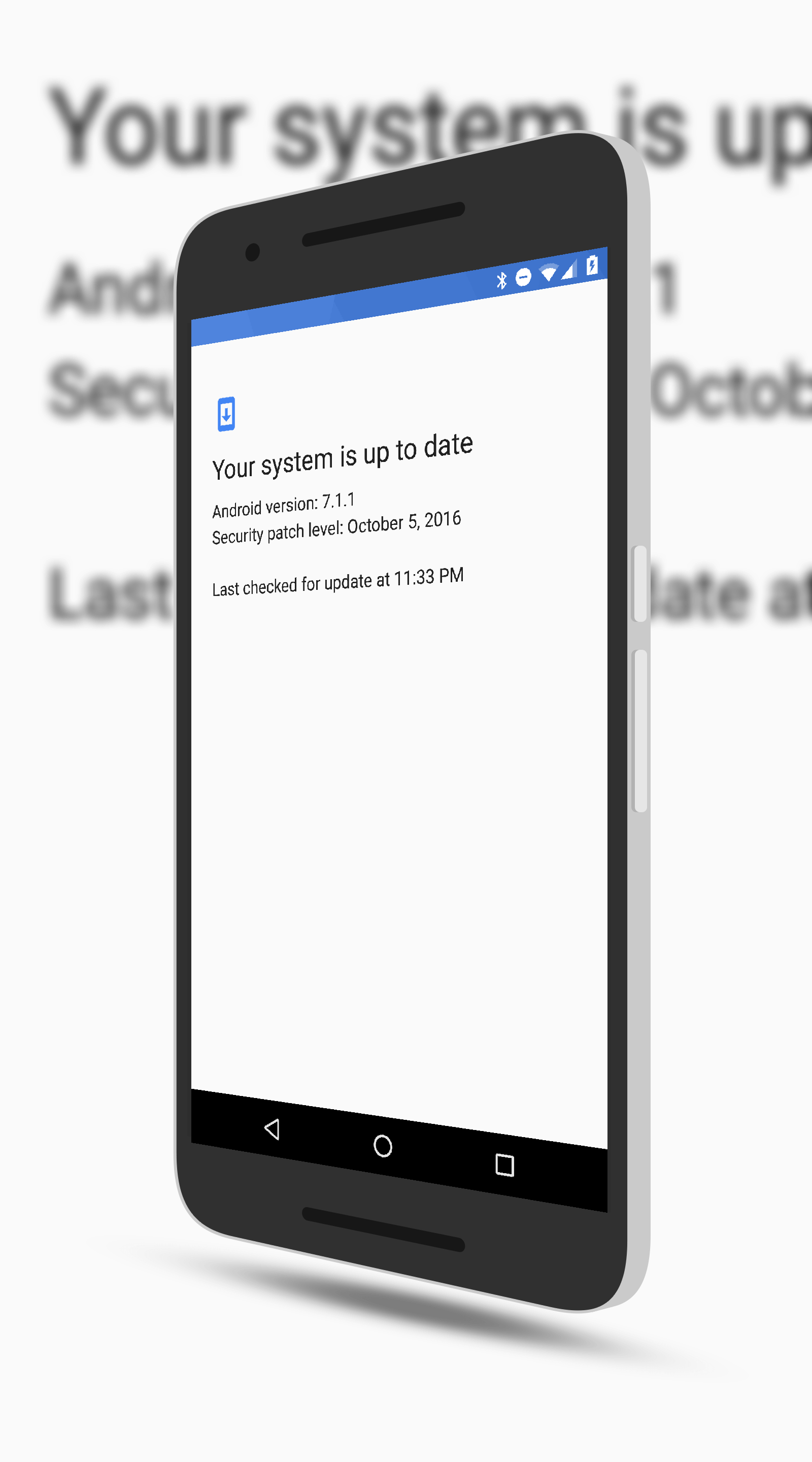 Material Design look and tells you clearly what version you are running and when your system was last updated. This is a small thing mind you but it is a nice attention to detail. And, personally, I can’t get enough Material Design in my life so I approve!
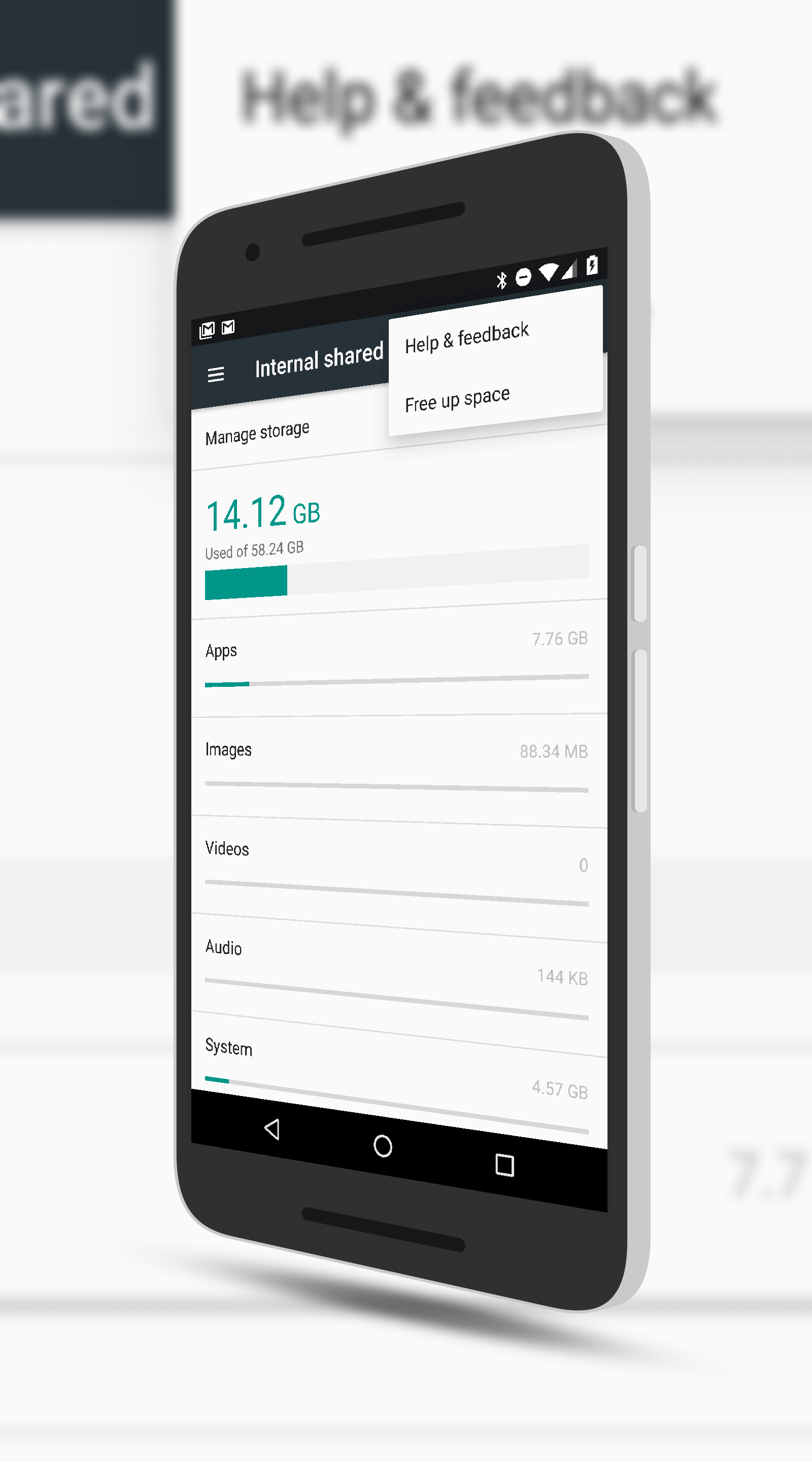
Staying inside of Settings, there is also a new Storage Management feature that you can access within the Storage section. This is found off the overflow menu and is a “free up space” feature. Sound familiar? If you use Google Photos, you will be instantly up-to-speed with what this feature does. Essentially it looks on your phone and finds older files and apps that you have not accessed in the last 30 days. You can then select which apps to uninstall or old files to delete – but you are in complete control of this process. Further, if you want, you can setup the management feature to automatically delete files after a given amount of time. This is a feature that will be particularly handy for those with 32GB Nexus devices as it will help find the old files and apps on your phone for you.
Perhaps the most visible change to Android Nougat 7.1.1 is the new app shortcuts. This new feature allows you to long press an icon on your Home screen and it will pop-up some quick actions you can take with that app. For example, in Gmail, you can long press and get a pop-up to compose a new email without having to open the app, tap the compose icon and then start typing. The idea is to give you quick access to a feature that is within that particular app. For those who have come from an iOS background, this is very similar to the Force Touch.
 As you can imagine, not all apps take advantage of this new feature. It is something that is in the API 25 set and developers have to build it into their apps. Even Google hasn’t completed the process but it does work for Gmail, Contacts, Calendar, Play Music and Google Camera to name few. To find out if an app supports it, just long press it. If it pops up a menu, you know it’s supported!
Finally there is the new built-in support feature of Nougat 7.1.1. If you remember the Pixel launch, the Google team highlighted on these devices you would be able to get support on your phone by call or chat right on your device. It seems that Google has added that feature for Nexus devices too which is great to see. In Settings you will now see a Support tab at the top of the screen. Tap it and you can either place a call or initiate a chat session with Google Support right from your phone. If chat isn’t 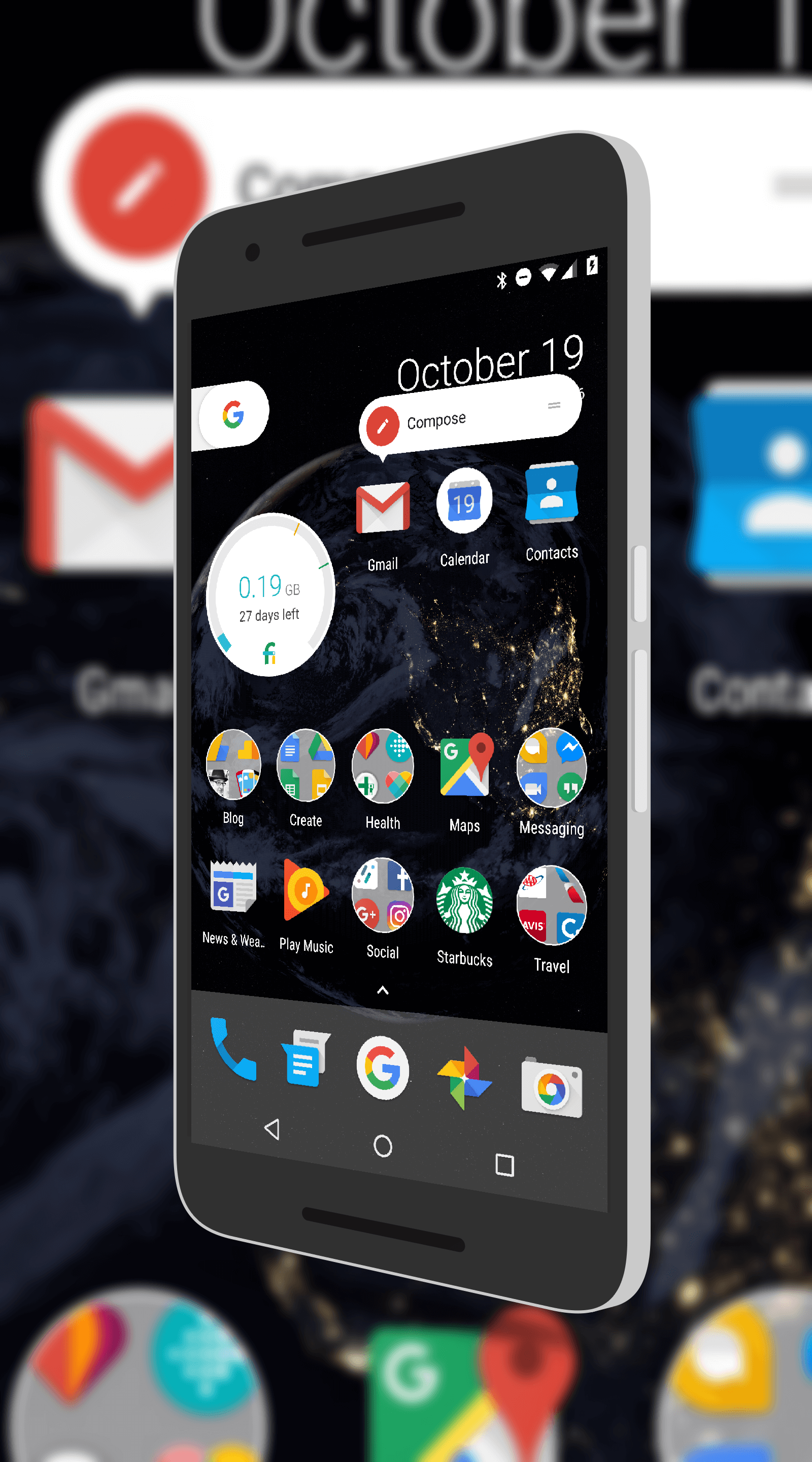 available, it will be greyed out. While many of you who are reading this are savvy when it comes to figuring out problems with your phone, we all started new at some point and for those new to Android, this is a fantastic feature to see.
So as you can see, there is a lot of big changes in Nougat 7.1.1 and with another preview expected next month and a final release in December, you can bet there will be further refinements and tweaks along the way. And, while I’ve hit some of the highlights here, there are other minor refinements to icons on the task bar, fonts and other minor details.
If you are interested in getting in the beta program and have a Nexus 6P, Nexus 5X or a Pixel C, head over to the Android Beta Program page and register your devices. Once you have registered, you will get the build pushed to your phone via an OTA update. The download will vary on your connection speed but once it is downloaded, it should take about 15 minutes to apply to your phone. If you try it but find it is too buggy for 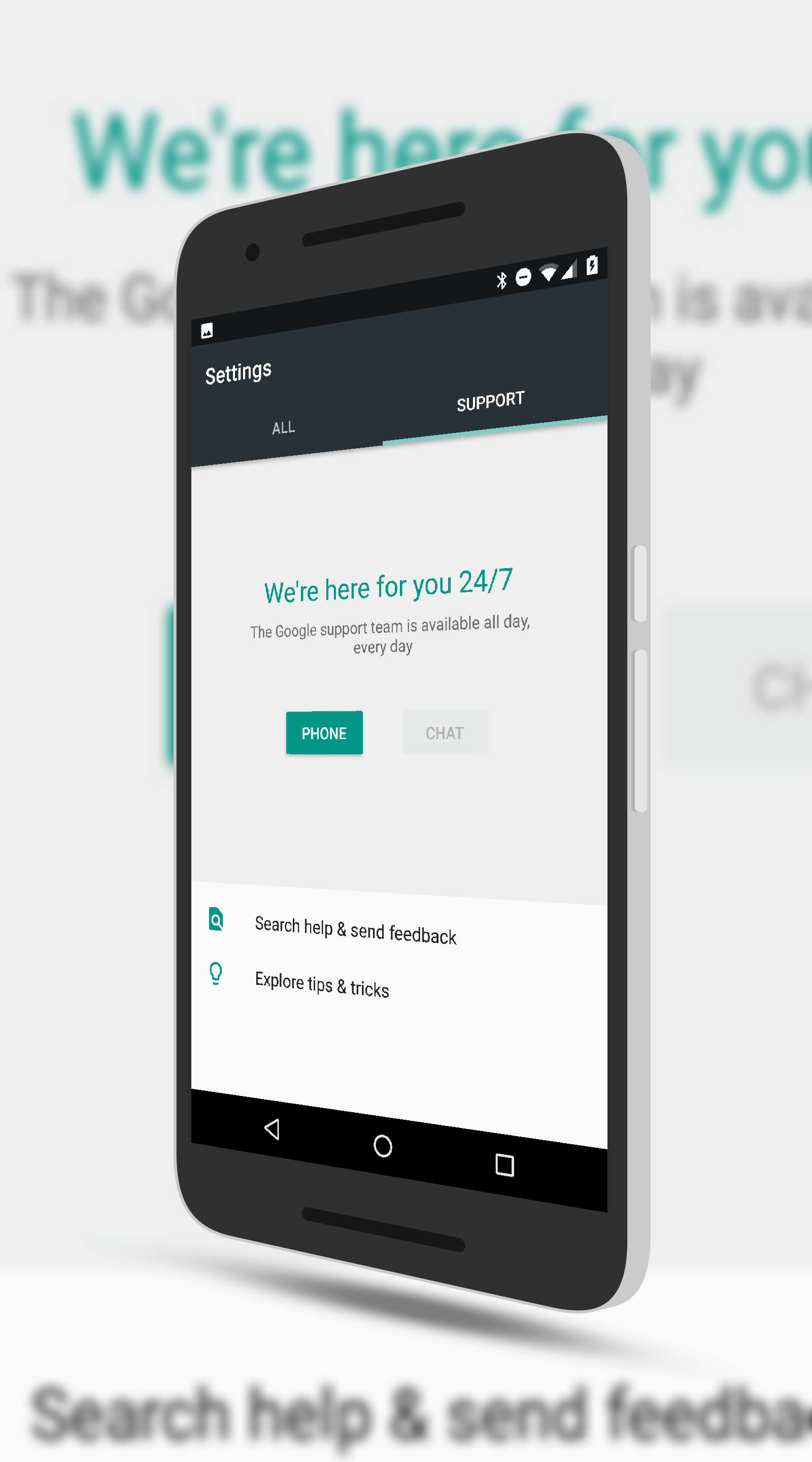 your needs, you can always drop out of the beta program and return to Nougat 7.0. Be warned however, if you do, your phone will be wiped so make sure you have a backup of everything before you revert back – or before you join the program.
If you have joined the program and installed 7.1.1 on your phone, what do you think? Has it been more reliable for you and do you like the new features? Drop a line here or on Google+ and let me know.
