Tag: Microsoft

Microsoft Cortana Update Brings Lock Screen Interactions on Android

Microsoft Cortana, the company’s digital assistant, has been updated for Android with the ability to interact with it from your lock screen.  Two weeks ago, Cortana was updated for Android adding the ability to have it on your lock screen.  From there, you could access your calendar, news and other information.  What you could not do, however, was interact with it by voice.  That has now changed.

With the version 2.6 update, which is rolling out now, you can ask Cortana questions just as you can when your device is unlocked and you tap the Cortana button.  You can ask the service a question, set a reminder for a task or event from your lock screen.

Review – Microsoft Arrow Launcher – The Best Launcher for Microsoft Users

Earlier this week I posted a review of the Nova Launcher for Android.  In that review, I pointed out that if you are looking for a launcher that has a whole load of knobs to turn, it is the best option for you.  But for those of you who aren’t interested in turning all the knobs or, more particularly, are deep in the Microsoft ecosystem, there is a solid option for you too.  The Microsoft Arrow Launcher.

Arrow Launcher doesn’t have the configurability of Nova Launcher nor does it pretend to have them.  Instead, Microsoft has taken this launcher and focused it on productivity.  Contacts, apps and documents are easily accessible from the launcher, getting you editing that Word file quicker and with few taps than opening the app itself.  But it also does all this with speed and battery friendliness that makes it a great option even for those who don’t necessarily use the Office apps.

I’ve been running Microsoft Arrow Launcher on my Nextbit Robin for the past few weeks and I have no problem giving it a thumbs up.  It works great, has enough configurability for those want to tweak a little bit and gets you deep into the Office apps without having to fuss with it.  Here’s my review and thoughts on Arrow Launcher.

SwiftKey Update Brings Improved Swipe Typing Suggestions

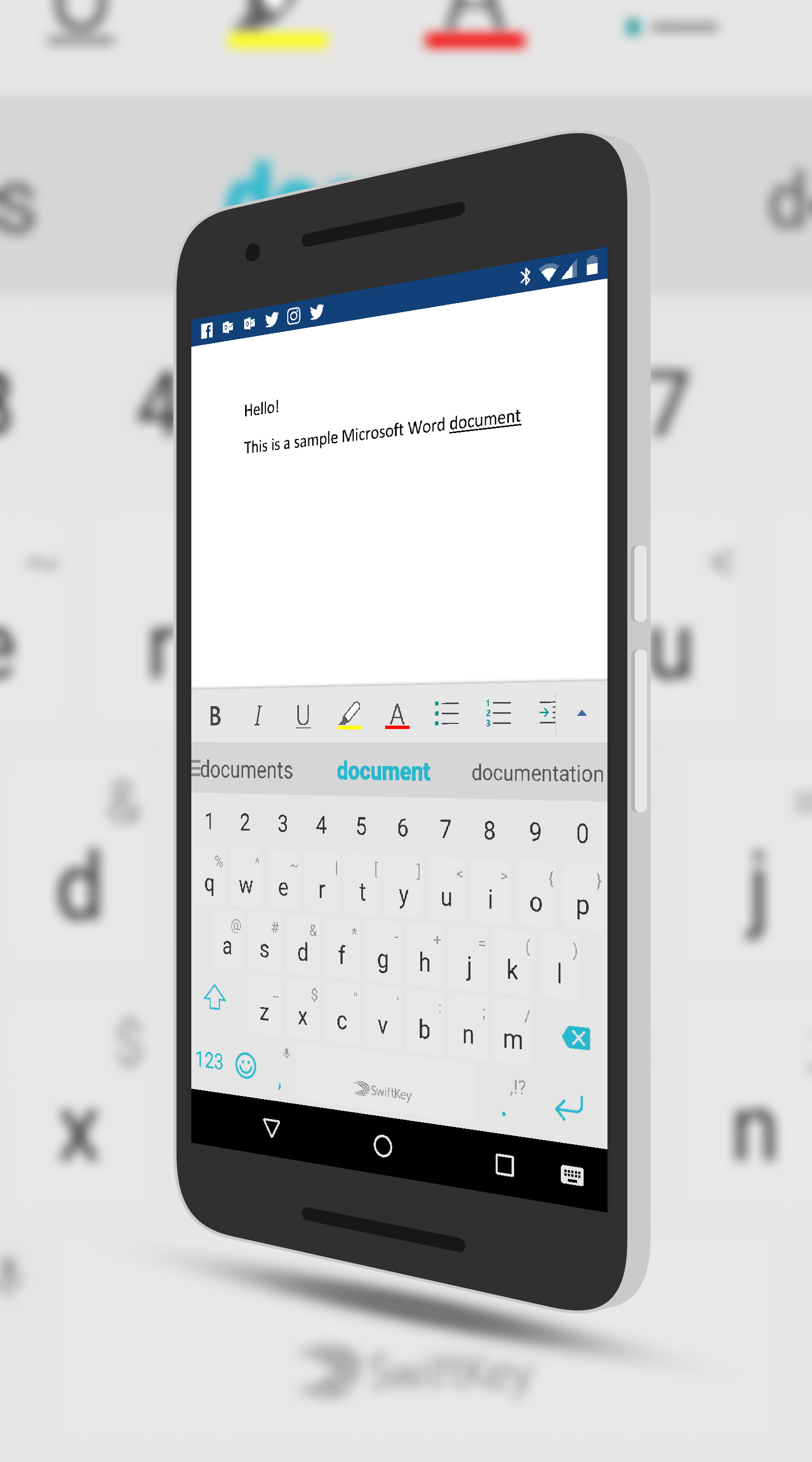
SwiftKey, one of the more popular keyboard apps for Android, has received a sizable update that brings improved Flow typing predictions to your phone.  The Microsoft owned SwiftKey will now give you three predictions as you type or use Flow, the swiping across the keyboard to spell words.  As you type, the center word is highlighted and will be automatically inserted as you begin typing the next word.  If, however, that word is not correct, you can tap the left or right word next to it for it to be inserted.  Previously it would only insert whatever word it though you were typing which caused users to have to backspace to type in the correct word.

Along with new predictive typing model, this update also fixes a big where the brackets in right-t0-left languages are no longer flipped incorrectly and has added four keypress sound profiles to the

Swiftkey for Android

SwiftKey for Android

app.  If you want to have sound with keypresses, you can now choose from Modern, Android, Traditional or Blip.  Previously only Traditional was available.


While Google’s GBoard has been getting the lion share of attention these past few months, rightfully so, SwiftKey has been doing a lot of what GBoard does for a long time.  It also has some 250 million users globally which shows its stamina.  If you haven’t tried it out, it is free and available in the Play Store.

Microsoft Officially Brings Tablet Support in Arrow Launcher

Last month I told you about the latest beta of Microsoft’s Arrow Launcher bringing support for Android tablets.  That support is now official.  The latest update to the popular launcher is rolling out in the Play Store now and with it comes support for tablets along with a handful of other updates & tweaks.  The support of tablets is something that long time Arrow users have requested of Microsoft as it gives a uniform experience across their devices.

Along with with, Arrow Launcher also supports horizontal layout for your apps page from the app drawer.  This is primarily aimed at tablets and it is an option that needs to be enabled.  The backup & restore feature also has more backup options available.  It still backs everything up to OneDrive but you can now have it save things like SMS messages too.

Microsoft Arrow Launcher on a Nexus 9

Microsoft Arrow Launcher on a Nexus 9

The utility page, something that was introduced in the last update to the app, can also be configured in this new release.  You can show it or hide it as well as chose if you want the card to be transparent or white.  For those who may have tried Arrow Launcher in the past, the utility page is now where you find things like your recent contacts, your recent documents and other information.  These all use to be separate pages in the launcher so having them all in once place makes life a bit easier.

If you have Arrow Launcher installed on your phone, you should get the update to the latest build over the course of the next few days.  Unless you are in the beta, you will need to go to the Play Store to install it on your tablet.

Bing Update Brings Improved Local Travel Results

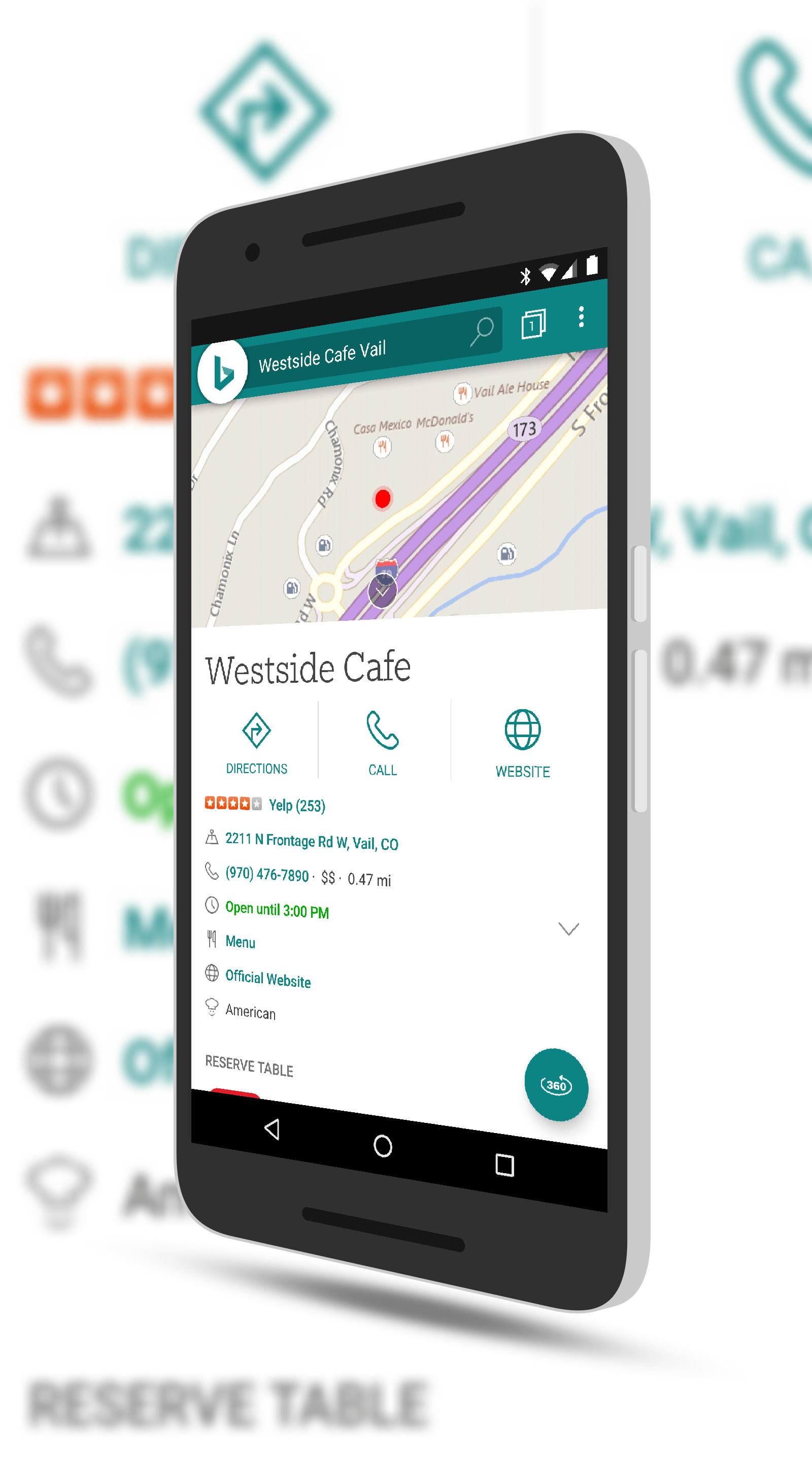
Microsoft has begun rolling out a nice update to their Bing search app for Android.  The update brings improvements around the travel results for places to go and the best time to go to those places.  This is very similar to Google search which has a bar graph that shows you when a location is busiest.  Along with the improved time suggestions, the app also gives you tips and guides and one-tap directions to the location from your current location.

While those of you who use Google search may give a shrug of the shoulders at this being added to Bing but for those who depend on the Microsoft

Bing Local Travel Results

Bing Local Travel Results

search solution, this is certainly good news.  Bing has continued to make solid strides in the search space over the past two years and while it is certainly behind Google in overall usage, those who are deeply tied in to the Microsoft ecosystem continue to leverage it for their search needs.

In addition to the new location information, this update also gives warning about malicious websites and has a homepage gallery filer.  This feature allows you to filter and find your favorite Bing homepage images.  If you haven’t checked out the daily images from the site, you are missing a treat.  Some of them are spectacular.

If you have the app installed then you can expect the update to hit your phone over the course of the next few days.

Microsoft Word Update for Android Brings PDF Viewing Support

The latest update to Microsoft Word for Android is rolling out in the Play Store, bringing support for PDF file viewing within the productivity app.  Now if you have a PDF file stored on your OneDrive or Google Drive account (or locally on your phone or tablet), you can have that file opened in Word instead of another app.  For readers who are heavily into the Microsoft app ecosystem, this will be welcome news as they won’t have to switch between different apps to view the file.

It should be noted that PDF support in Word is read only.  You cannot edit them and would need another app to do that for you.

Microsoft Cortana Update Brings it to Your Lock Screen

Microsoft Cortana, the digital assistant named after the Halo character, has been updated for Android with a handy new Lock Screen feature.  The update is rolling out to users now and once it is to your phone, you can go into settings in the app to give it Lock Screen access.  Once done, you will be able to swipe to access Cortana and all of your information like weather, schedule and other information.

For those keeping score, the updated build is version 2.5.  If you haven’t installed Cortana on your phone yet, when you go through the initial setup process, you can give it access to your Lock Screen.  One thing to keep in mind that, unlike Google Assistant, you can’t speak to Cortana from the Lock Screen.

Outlook for Mac Finally Getting Google Calendar Support

Most certainly file this one under finally!  Microsoft has announced that support for Google Calendar and Google Contacts is finally coming to Outlook for Mac.  For those on Windows 10 using Outlook for Windows, this is no big deal.  The support for integrating your Google Calendar into Outlook has been there pretty much from the beginning.  Not the case for Mac users.  While adding your Gmail account to Outlook for Mac was no biggie, your calendar and contacts from Google would not sync.  It just wasn’t an option.

In an announcement to the Office Insiders, Microsoft has started rolling out the support for Google Calendar and Contacts to those in the Insider Fast Ring.  The feature is certainly still in the test phase, so much so that Microsoft isn’t rolling it out to everyone who is an Insider.  Those who don’t get it immediately will be prompted at some point in the future to add their Google account so they can start testing.

%d bloggers like this: